Free Resume Import
If you want to use PARAT, you don't have to start completely from scratch. Our system allows you to easily and completely free of charge import existing data into the CV Wizard.
The initial import is free
The initial import of your data costs no AI credits and is available to all users (including those on the Free plan) for free. This applies to:
- PDF Import: Upload an existing resume as a PDF. PARAT extracts the most important stations, skills, and data and fills out the wizard for you.
- LinkedIn Import: Connect your LinkedIn profile or use LinkedIn's PDF export to transfer your experiences there into PARAT.
The import itself is and remains free. AI credits are only consumed when you proactively ask PARAT's AI to generate or optimize something new. Examples of this are:
- Having the AI automatically formulate your work experience.
- Using the CV Roast feature.
- Having a cover letter generated.
How to start the import
The import process differs slightly depending on the device you are using:
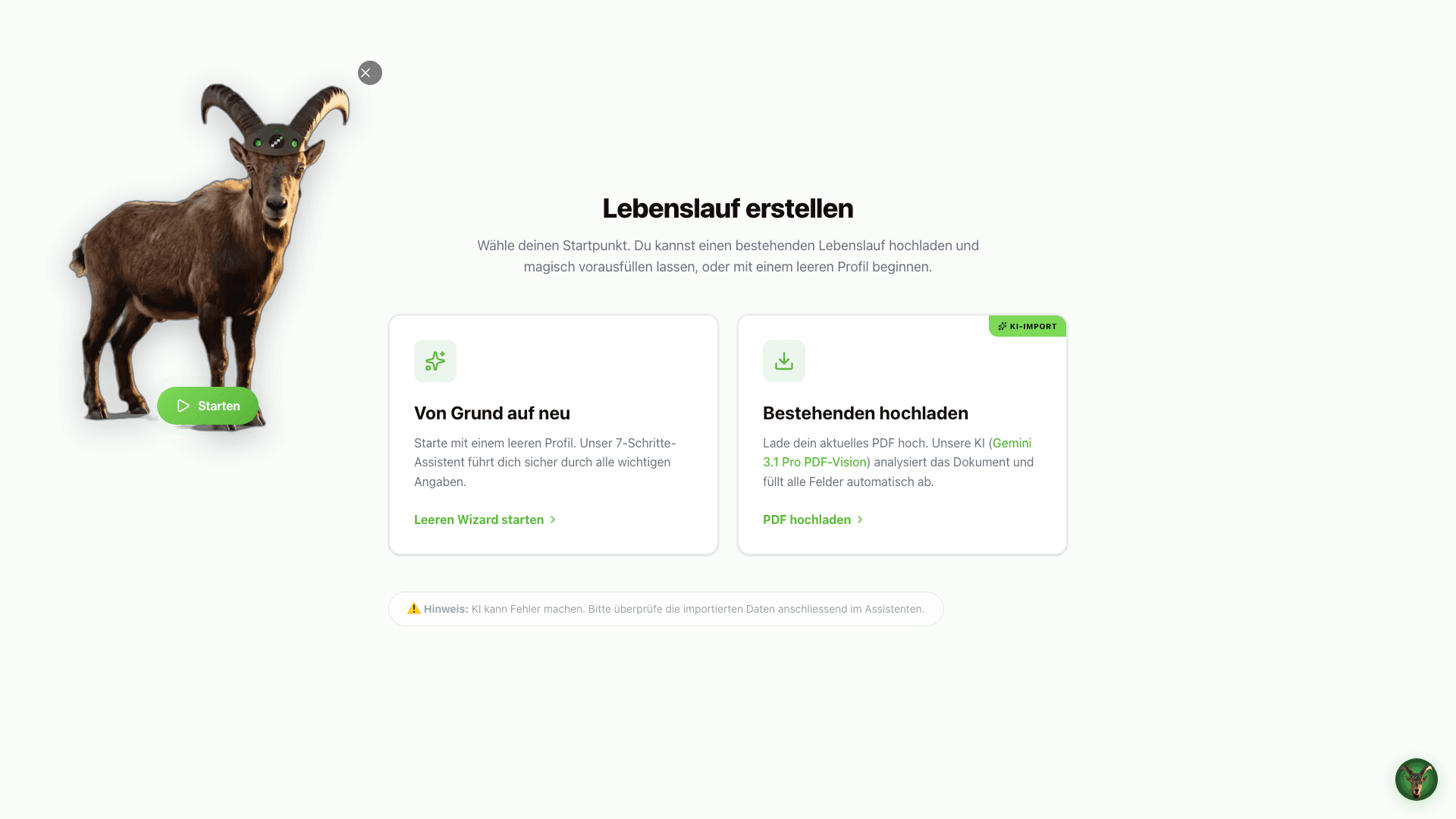
- Click the green "New Resume" or "Start Application" button in the top right corner of your desktop dashboard.
- In the selection dialog, choose the "Import Existing Resume (PDF/LinkedIn)" option.
- Drag and drop your PDF into the upload field or select it from your file manager.
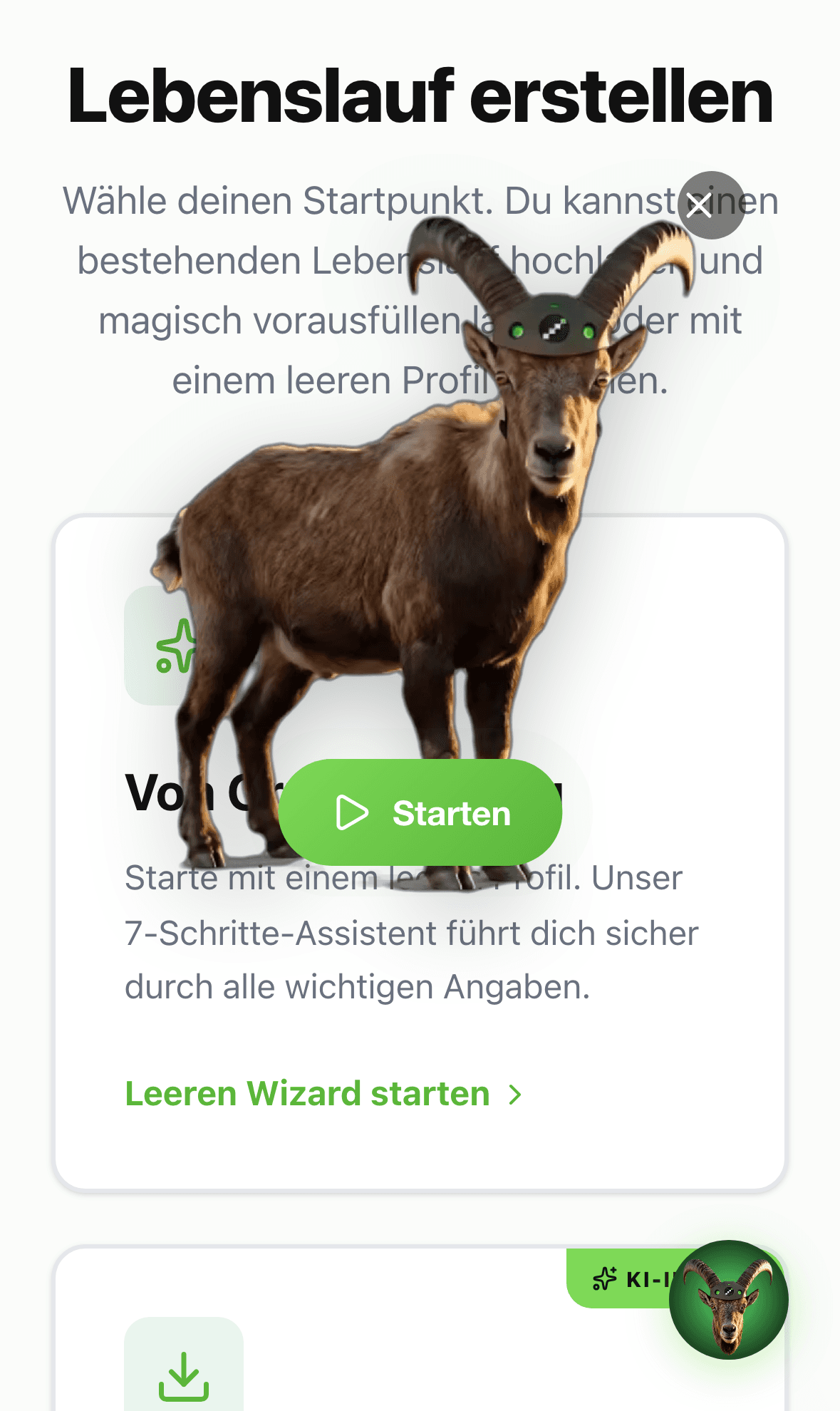
- Tap the "+" icon (Add Application) in the bottom navigation bar of the mobile app, or go to the "Resumes" tab and tap the plus icon in the top right.
- Select "Import Resume".
- Tap the upload area and select the PDF file from your iOS files (e.g. iCloud Drive) or share a document directly into the app.
Review & adjust your import
Once the file is uploaded, PARAT analyzes the document in the background. Within a few seconds, the extracted data will populate the corresponding Wizard steps.
- Personal Data: Verify your name, date of birth, and contact information.
- Work Experience & Education: Double-check the identified dates and job descriptions.
- Skills & Languages: Make sure all critical keywords were carried over correctly.
Tip for LinkedIn: If you want to use LinkedIn, simply export your profile as a PDF (via the "More..." button on your LinkedIn profile page) and upload that PDF file to PARAT. This is the fastest and most reliable method.
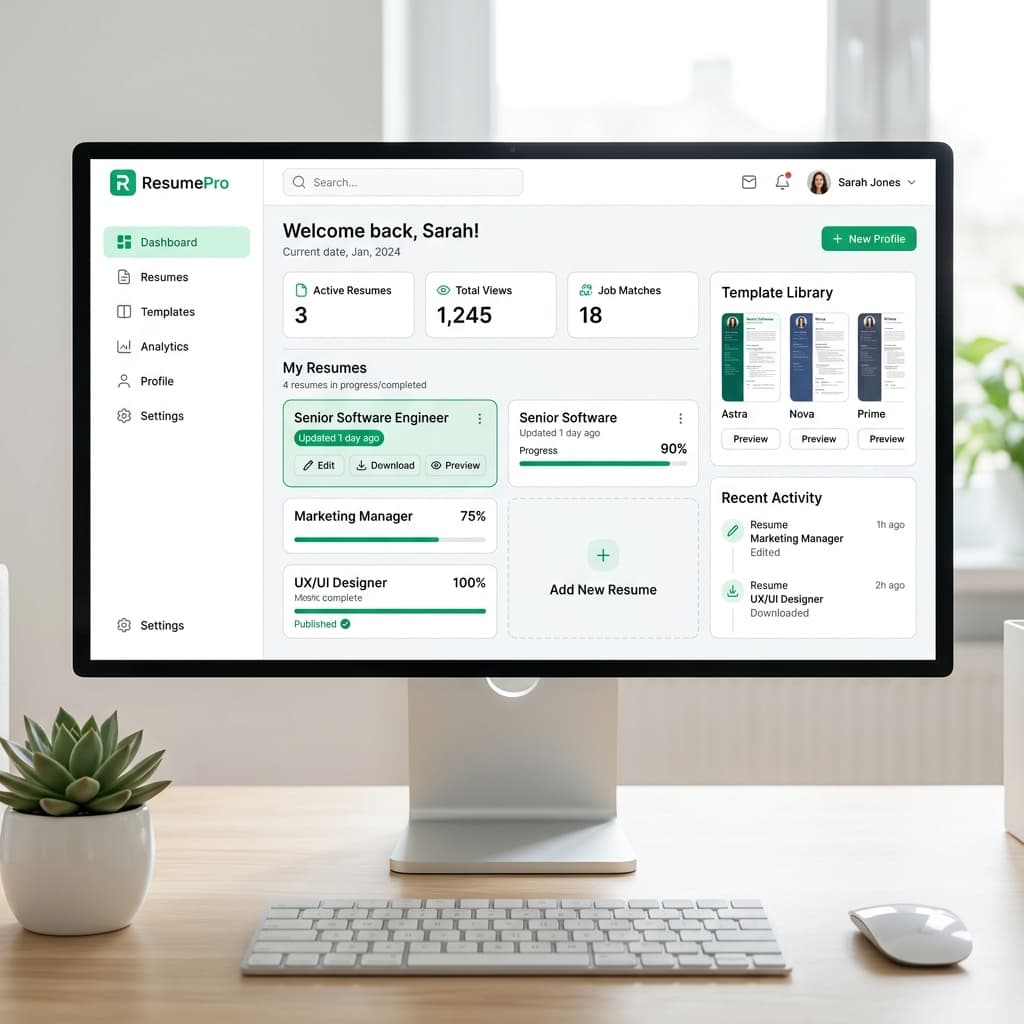
This saves you valuable time typing and lets you start optimizing your profile right away!